
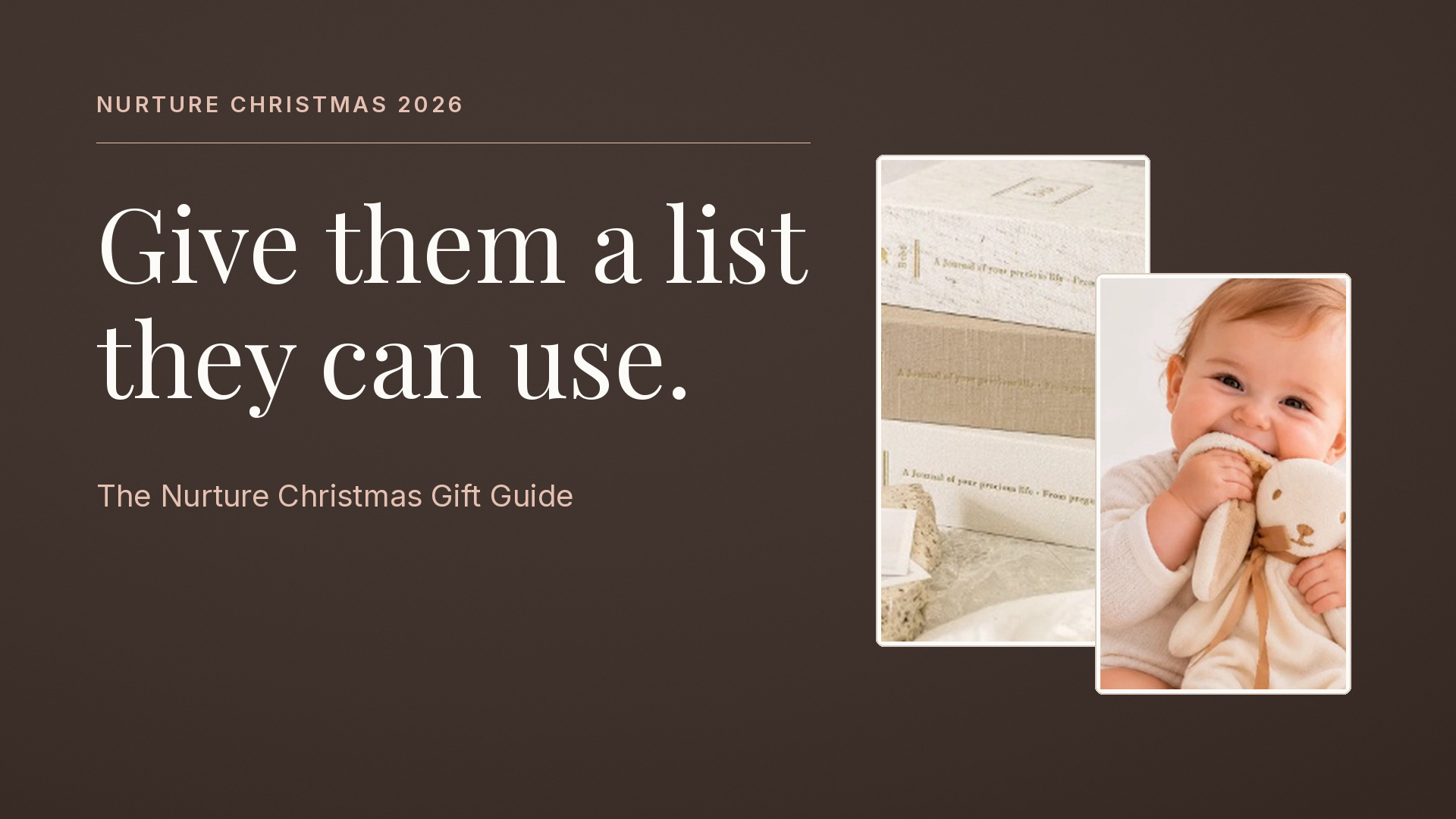
Somewhere in the family group chat, someone’s already asked what you’d like for Christmas. You know you saw something a few weeks ago. Now you’re looking through screenshots trying to remember who made it.
We built a wish list into Nurture’s Christmas Gift Guide so you can send the family one link. There are 64 ideas across eight collections, with gifts for mums, babies and kids. Here’s how to make a list they can use.
1. Find a gift you’d love
Start with the person you have in mind. Love of Learning is a good place to look for a little reader or maker. Try Self Love for someone who spends most of their time caring for everybody else. You can also browse by budget and open each gift to see its details.
2. Tap the heart beside it
Save the things that catch your eye. Open My List to see the gifts you’ve chosen. You can come back to the guide for more ideas before sharing.
3. Share one list
From My List, choose Share my list and send it to the people who’ve been asking for ideas. It’s a small thing that makes the Christmas question easier for everyone.
Look for offers on individual gifts
Some listings show a reader offer with the code NURTURE. The gift’s listing shows whether that code applies. Check current terms and delivery with the brand when you order.
Make something to look forward to, too
There’s a free family planner alongside the guide called Memory Makers. Pick twelve things to do together, seal one idea inside each envelope, then open one a month. If the children choose January, you may start with a backyard picnic or a torchlight walk.


A QUIETER WAY TO KEEP UP
Stories worth opening sent thoughtfully.
New reading, archive discoveries and first access to what Nurture is
making next. Not constantly.